You can set up your first crypto wallet in about 5 to 10 minutes by downloading a wallet app, creating a new wallet, and saving your recovery phrase in a safe place. No ID verification is needed, no bank account is required, and you can start receiving crypto immediately. This guide walks you through every step so you know exactly what to do and what to watch out for. More than 100 million people worldwide now use crypto wallets, and that number grows every quarter as more exchanges, apps, and games integrate blockchain payments.
What is a crypto wallet and why do you need one?
A crypto wallet is a software program or hardware device that stores the private keys used to access and manage your cryptocurrency on the blockchain. It is not like a physical wallet that holds your money directly. Your coins live on the blockchain. Your wallet just holds the keys that let you move them.
You need a wallet to send, receive, store, and swap cryptocurrency. Without one, you cannot interact with any blockchain network. Whether you want to buy Bitcoin, use a decentralized exchange like Uniswap, or explore a dApp on Ethereum, the wallet is your entry point. There are two types of crypto wallets: hot wallets and cold wallets. Each serves a different purpose, and most people use both.
Hot wallets vs. cold wallets: which one should you choose?
Choose a hot wallet for daily use and small balances, and choose a cold wallet for long-term storage of larger amounts. Hot wallets are connected to the internet, making them fast and convenient. Cold wallets are offline devices that give you stronger security but require you to plug them in to make a transaction.
Hot wallets (software wallets) include browser extensions like MetaMask and phone apps like Trust Wallet or Coinbase Wallet. You can set one up in under 10 minutes. They are free to use, support multiple blockchains, and connect easily to Web3 apps and exchanges ChangeNOW. The tradeoff is that your private keys live on an internet-connected device. That creates some risk from malware, phishing, or device theft if you are not careful.
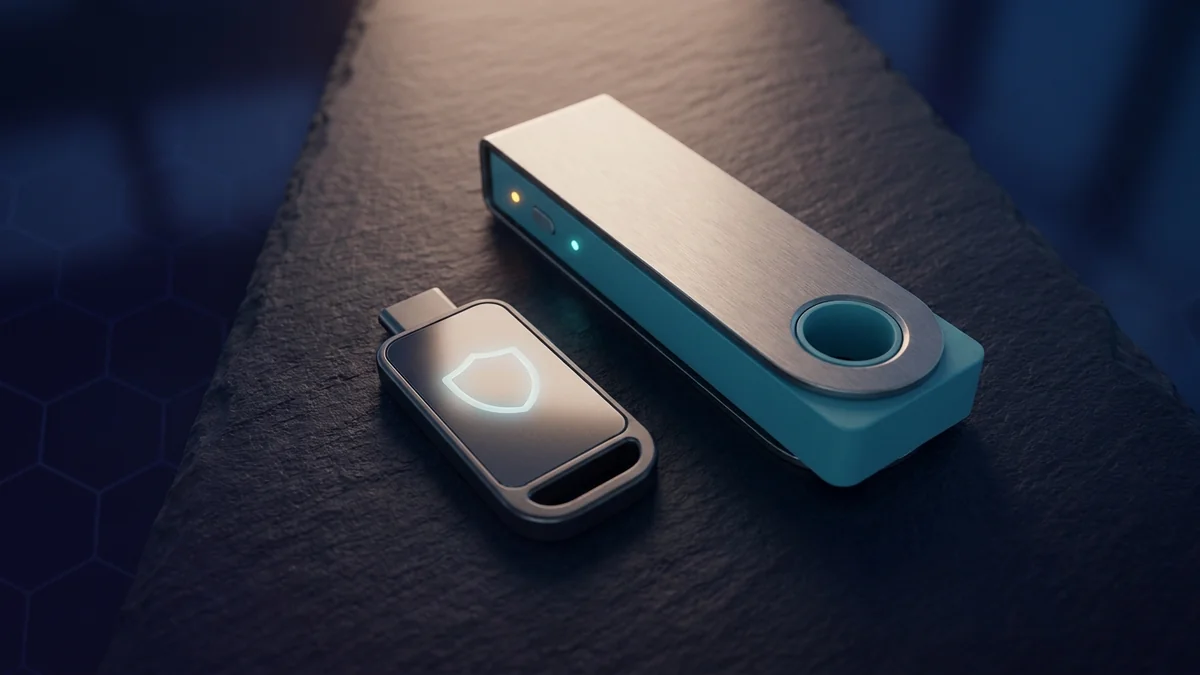
Cold wallets (hardware wallets) include devices like Ledger, Trezor, and KeepKey. A hardware wallet is a small USB device that signs transactions offline. Your private keys never touch the internet. This makes cold wallets the best choice for storing more crypto than you would be comfortable losing. They cost between 50 and 200 euros depending on the model Ledger.
| Feature | Hot Wallet | Cold Wallet |
|---|---|---|
| Setup time | 5 to 10 minutes | 15 to 30 minutes |
| Cost | Free | 50 to 200 EUR |
| Security level | Moderate (online) | High (offline) |
| Best for | Daily use, small amounts | Long-term holding, large amounts |
| Ease of use | Very easy | Moderate |
A good strategy is to use a hot wallet for crypto you actively trade or spend and a cold wallet for crypto you plan to hold for months or years. This way you get speed when you need it and safety when you do not.
Step-by-step: setting up your first hot wallet in 5 to 10 minutes
To set up your first hot wallet, download the official app from the wallet provider's website, create a new wallet, and save your recovery phrase on paper before you do anything else. This section uses MetaMask as the example because it is the most popular wallet with over 30 million active users. The same steps apply to Trust Wallet, Coinbase Wallet, and most other hot wallets.
Step 1: Download the wallet app or extension. Go to the official website only. For MetaMask, that is metamask.io. Download the browser extension for Chrome, Firefox, Edge, or Brave. You can also install the mobile app from the official Apple App Store or Google Play Store. Never download a wallet from an ad or a sponsored search result. Scammers clone wallet apps and submit them to app stores regularly.
Step 2: Create a new wallet. Click "Create a Wallet" and set a strong password. This password unlocks the app on your device. It is not your recovery phrase and cannot restore your wallet on another device.
Step 3: Save your Secret Recovery Phrase. This is the most important step. The wallet gives you a 12 or 24 word phrase. Write it down on paper. Do not type it into a file, take a screenshot, email it to yourself, or store it in a cloud service. Anyone with this phrase can access your crypto forever. If you lose it, you lose access to your funds permanently. According to blockchain data analysis by Chainalysis, around 20 percent of all Bitcoin is believed to be in lost or inaccessible wallets, and the vast majority of those cases trace back to a lost recovery phrase.
Step 4: Confirm the phrase. The wallet asks you to select a few words from your phrase in order. This confirms you saved it correctly. Do this even if it feels like busywork. If you get it wrong, the wallet lets you try again but you should double-check your paper copy.
Step 5: Start using your wallet. Your wallet generates a public address, which is a long string of letters and numbers. Share this address to receive crypto. You can find it at the top of your wallet interface. For Ethereum-based wallets, it usually starts with "0x". For Bitcoin wallets, it starts with "1", "3", or "bc1".
How to secure your wallet after setup
Secure your wallet immediately by storing your recovery phrase in two physical locations and testing with a small transaction first. Securing your wallet takes a few extra minutes but can save you from losing everything. Here is a checklist to run through right after you create your wallet:
- [ ] Store your recovery phrase in two separate physical locations. A fireproof safe at home plus a safety deposit box is ideal. A practical alternative is a laminated card in a book plus a second copy with a trusted family member.
- [ ] Enable two-factor authentication on any exchange account linked to your wallet Bybit. Most exchanges support 2FA via Google Authenticator or a hardware security key.
- [ ] Install a free ad blocker in your browser. Crypto phishing ads are everywhere and they target wallet users specifically. A simple ad blocker prevents you from clicking on fake wallet sites that steal your phrase.
- [ ] Never share your private keys or recovery phrase with anyone. No legitimate support team will ever ask for your phrase. If someone asks for it, they are a scammer. No exceptions.
- [ ] Test with a small transaction first. Send a tiny amount (5 to 10 euros worth) to your new wallet before moving larger funds. Then send it back to confirm the round trip works. This catches any misconfiguration before it costs you real money.
The most common mistake beginners make is typing their recovery phrase into a website that claims to be a wallet recovery service. There is no such thing. Real wallets never ask for your phrase inside a web browser. If you see a pop-up asking for your recovery phrase, close the tab immediately.
What to do next: buy, store, or swap your first crypto
Once your wallet is set up, you can buy crypto through a connected exchange and transfer it to your wallet. Most exchanges let you buy with a bank transfer or debit card. You can pick from hundreds of cryptocurrencies depending on which wallet you chose and which blockchain networks it supports.
If you want to swap one token for another without using a centralized exchange, you can use a swap service directly from your wallet ChangeNOW. These services check the current rate across multiple liquidity sources and give you the best available price. Swaps usually complete in under 60 seconds and you stay in full control of your funds the whole time.
For longer-term storage, move the bulk of your crypto to a hardware wallet. The extra security is worth the cost once you hold more than a few hundred euros in crypto. A Ledger device connects to your computer or phone and signs transactions only when you press a physical button Ledger. This means even if your computer is compromised, your funds cannot be stolen remotely.
Read more in our guide to the best crypto exchanges for beginners.
FAQ
Can I set up a crypto wallet without ID verification?+
What happens if I lose my recovery phrase?+
Is a free hot wallet safe enough for holding Bitcoin?+
Can I use the same wallet on multiple devices?+
Which wallet is best for beginners?+
---
Always do your own research before choosing a wallet or sending crypto anywhere. This guide is for educational purposes only and is not financial advice. Crypto is volatile. Wallet features and security vary. What works for one person may not be right for you. Check the official documentation for any wallet or exchange you use. Never invest more than you can afford to lose.