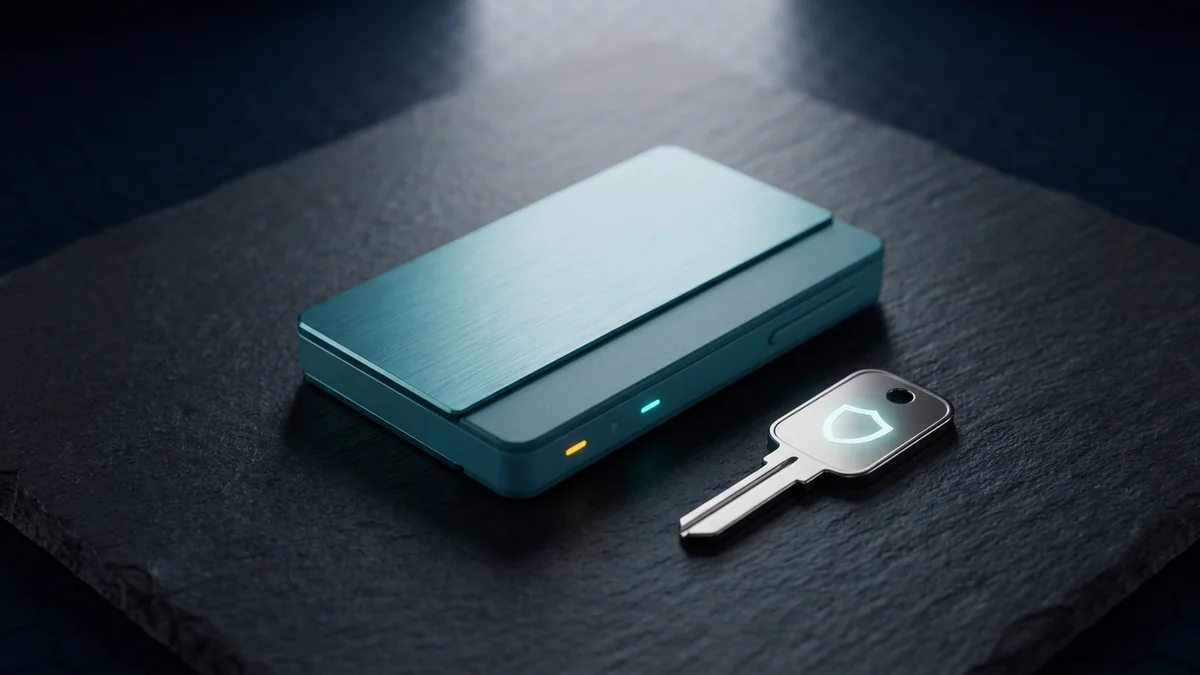
The best hardware wallet for crypto security in 2026 depends on how much you hold, which coins you own, and how paranoid you want to be. If you hold multiple coins and want a sleek touchscreen, the Ledger Stax is the best all-rounder at $279. If open source firmware matters more than looks, the Trezor Safe 5 at $169 gives you full code transparency. If you hold serious Bitcoin and want air-gap signing, the Coldcard Q1 at $158 is the most secure option for Bitcoin only. If you have six figures or more in crypto and want military-grade certification, the NGRAVE Zero at $399 is the gold standard with EAL 7.
Hardware wallets are still the gold standard for self-custody. A hot wallet on your phone is convenient, but your private keys live on a connected device. A hardware wallet keeps them offline on a dedicated chip. A remote attacker cannot drain your funds even if your computer is compromised. This guide covers the four best options for 2026 with real price points, security ratings, and coin support so you can pick the one that matches your situation.
---
What Makes a Hardware Wallet Secure in 2026
Three layers determine how secure a hardware wallet really is.
The secure element chip holds your private keys and signs transactions. EAL 6+ is the industry standard for consumer wallets. It protects against physical extraction if someone steals your device. The NGRAVE Zero goes one step further with EAL 7, which requires the chip to resist laboratory-grade attacks like voltage glitching and laser fault injection. For most people, EAL 6+ is more than enough. The difference between EAL 6+ and EAL 7 only matters if you are holding enough crypto that someone would spend $100,000 and six months trying to extract your keys.
The firmware is the second layer. Open source firmware means anyone can audit the code for backdoors. Trezor leads here with fully open firmware. Ledger uses proprietary code for its secure element, though the main app code is open. Coldcard publishes verifiable builds so you can confirm the firmware matches the published source.
Your seed phrase is the third layer and the most common point of failure. In 2026, the biggest risk is not the hardware itself. It is the user who types their seed into a fake website or buys from a reseller who tampered with the device. Always buy direct from the manufacturer. That is the single most important security step you can take.
---
Ledger Stax: The Premium Choice with a Touchscreen
The Ledger Stax is the most recognizable hardware wallet in 2026. It has a curved E Ink touchscreen that looks like a credit card and supports over 5,000 coins and tokens through the Ledger Live app. At $279, it is the most expensive mass-market option, but the user experience is unmatched for beginners.
The E Ink display barely uses power. You can leave the Stax in a drawer for months and it still has battery. Bluetooth works with the mobile app so you can sign transactions from your phone. Ledger Live covers Bitcoin, Ethereum, Solana, and most ERC-20s without needing third-party software.
Where it falls short: The secure element firmware is proprietary. Security researchers cannot fully audit the lowest layer. The E Ink screen is slow to refresh, which makes navigating settings feel sluggish. Bluetooth adds a wireless attack surface, though no real-world exploit has been demonstrated. And you can get nearly everything the Stax does for half the cost with the Nano X at $149.
The Stax is a great first hardware wallet if you hold multiple coins and want a premium look. Just know you are trusting Ledger's proprietary firmware.
---
Trezor Safe 5: Open Source and Battle Tested
The Trezor Safe 5 is the open source champion. Every line of firmware code is public and auditable. The device uses a color touchscreen and a secure element, a big upgrade from older Trezor models that lacked hardware security entirely. SatoshiLabs has been building hardware wallets since 2014, and their track record on transparency is unmatched.
At $169, the Safe 5 sits in the middle of the price range. It supports Shamir Backup, which splits your seed phrase into multiple shares so no single piece reveals your full seed. The Trezor Suite app includes a built-in exchange for buying and selling.
Where it falls short: Coin selection is smaller than Ledger. If you hold obscure altcoins, check compatibility first. There is no Bluetooth, so mobile use requires a USB OTG cable. The setup process involves more reading than the Stax. For a beginner who just wants something that works, the Stax is easier. For someone who wants verifiable security, the Safe 5 is the better choice.
The Trezor Safe 5 is the right choice if open source firmware matters to you. You can verify exactly what code runs on your device.
---
Coldcard Q1: For Bitcoin Maximalists Who Want Air-Gap
The Coldcard Q1 is built by Coinkite for Bitcoin only. No Ethereum, no Solana, no NFTs. Just Bitcoin. It has no USB connection. You sign transactions by scanning QR codes or using a microSD card. That air-gap means your private keys never touch a powered cable connected to your computer.
At $158, the Coldcard Q1 is the most affordable option on this list for Bitcoin holders. It supports PSBTs (Partially Signed Bitcoin Transactions) for advanced multi-sig setups. The duress PIN shows a fake wallet while your real holdings stay hidden. The brick-me-password wipes the device entirely under duress.
Where it falls short: Bitcoin only. If you hold any other coin, this wallet will not work. There is no screen to review transactions on the device itself. You review them on your computer software. Setup is complex. You need Sparrow or Specter wallet on desktop. The QR workflow is slower than plugging in a USB cable.
The Coldcard Q1 is for people who hold serious Bitcoin and want the most paranoid security possible. It is not for casual users. If you are just starting out, start with a Ledger or Trezor.
---
NGRAVE Zero: The Highest Security Standard
The NGRAVE Zero holds EAL 7 certification, one step above Ledger's EAL 6+. It ships with a fireproof stainless steel seed plate and a separate offline pairing card called the LINK. The device has no USB, no Bluetooth, no WiFi, no camera, no NFC. Zero wireless connectivity.
At $399 for the complete bundle, the NGRAVE Zero is the most expensive option by a wide margin. The EAL 7 certification means the chip has been tested against laboratory-level physical attacks. The battery lasts for months on a single charge because there are no wireless radios draining power.
Where it falls short: Coin support is very limited. Bitcoin, Ethereum, and a handful of ERC-20s. That is it. The screen is small and navigation takes practice. The company is much smaller than Ledger or Trezor, so support response times are slower. For most people, the NGRAVE Zero is overkill.
The NGRAVE Zero is for high net worth individuals who treat security as priority one. For everyone else, the Ledger Stax or Trezor Safe 5 is more practical.
---
Hardware Wallet Comparison: Quick Reference
| Feature | Ledger Stax | Trezor Safe 5 | Coldcard Q1 | NGRAVE Zero |
|---|---|---|---|---|
| Price | $279 | $169 | $158 | $399 |
| Coin support | 5,000+ | 1,000+ | Bitcoin only | BTC, ETH, ERC-20s |
| Security cert | EAL 6+ | Secure element | Verifiable builds | EAL 7 |
| Open source | Partial | Full | Full | Partial |
| Wireless | Bluetooth | None (USB) | None (air-gap) | None |
| Best for | Multi-coin beginners | Transparency seekers | Bitcoin maxis | High-value holders |
---
How to Set Up Your Hardware Wallet Safely
Follow these steps and you eliminate 90 percent of the risk.
Buy direct from the manufacturer. Never buy from a reseller marketplace. Generate your seed phrase on the device itself. Never use a software tool or an internet connected device. Write the seed on paper or stamp it into a metal plate. Two copies in two locations. Set a strong PIN with at least eight digits. Send a small test transaction before moving your full bag. Send ten dollars, wipe the device, restore from the seed, confirm the funds are there. Then send the rest.
Never enter your seed phrase into any website, any app, or any browser extension. Anyone who asks for it is a scammer.
---
Frequently Asked Questions
Will a hardware wallet protect me from all crypto scams?+
Can I use a hardware wallet with my phone?+
What happens if I lose my hardware wallet?+
Should I buy a Bitcoin-only or multi-coin wallet?+
How often should I update firmware?+
---
Which Hardware Wallet Should You Buy?
For your first hardware wallet, get the Ledger Stax or Trezor Safe 5. Both support multiple coins, have good beginner experiences, and cost less than a dinner out for two at a nice restaurant. If you decide later that you need more specific security, you can add a Coldcard or NGRAVE later. Many experienced users run two wallets: a Trezor for daily use and a Coldcard for long-term savings.
Your hardware wallet pairs naturally with a good software wallet for smaller transactions. Our 10 best crypto tools for beginners guide covers hot wallets like Exodus and MetaMask for your daily spending money. If you are still choosing an exchange to buy crypto, our Coinbase vs Binance comparison Binance breaks down the fee differences.
Disclaimer: For educational purposes only. Not financial advice. Crypto assets are volatile. Self-custody carries responsibility. Always do your own research and never invest more than you can afford to lose.